Company offsite
A packed day, one place to follow all of it.
The agenda, the venue map, who's in the room, the questions asked on stage. It all fits in one app published under your company's name, and it keeps working when the network doesn't.
- download rate (SPIE offsite, 2018)
- 94%
- events equipped
- 100+
- accepted connections (2021 export)
- 12,000+
They run their offsites on it




What your people carry in their pocket
The whole offsite, in one app
The day's agenda, always current
For your attendees
They open the app and see what starts next, in which room, with whom. They bookmark the breakouts they picked and get a notification before each one.
For you, the organizer
Move a session in the dashboard and the agenda changes on every phone. No more printed handout from the night before that's wrong by 10 a.m.
The venue map, no guided tour required
For your attendees
Main room, breakouts, dining, parking, guest rooms: they find their way on their own, in a venue they discovered that morning.
For you, the organizer
Upload the map once. Stop answering the same hallway question thirty times.
An attendee directory with faces
For your attendees
Photo, business unit, job title, bio: they finally put a face to a name they've only heard on video calls, and know who's in the room before walking in.
For you, the organizer
Import one file, once. No photo directory to lay out, no corrected version to resend the day before.
Questions and polls, live on stage
For your attendees
They ask from their seat, without waiting for a roving mic. They vote, and watch the result come up on the room screen.
For you, the organizer
Questions arrive ranked by votes. The host takes the top ones, and the room understands why those.
Bad coverage stops nothing
For your attendees
Agenda, map, directory, profiles, personal documents, check-in: all of it stays available with no network. Anything they do offline syncs on its own when the signal returns.
For you, the organizer
A country estate, a converted barn, a convention center basement: pick the venue for what it's worth, not for its cell coverage.
Meeting challenges that make the introductions
For your attendees
The app hands them a mission: go talk to three people from another division. A conversation starter appears, in their language. Nothing to improvise.
For you, the organizer
You decide who should meet whom — across teams, sites or countries. Each scans the other's QR code and the meeting is confirmed.
The satisfaction survey, while they're still in the room
For you, the organizer
It opens in the app at the end of the day, not three days later in a full inbox. Answers export to Excel and PDF.
Getting started
Your offsite, set up in three steps
- 01
Send the list and the run of show
Your attendees as a CSV, the day's agenda, the venue map. That's everything we start from.
- 02
Approve the app under your name
Logo, colors, breakouts, roles, custom fields: we configure, you review. The app ships on the App Store and Google Play under your company's name.
- 03
Open the day
Downloads, check-in, questions asked, survey answers: the dashboard tracks it live, and exports it.
Your next offsite, in an app under your own name
Setup done with you: configuration, your branding, project management. Data is hosted in the European Union.
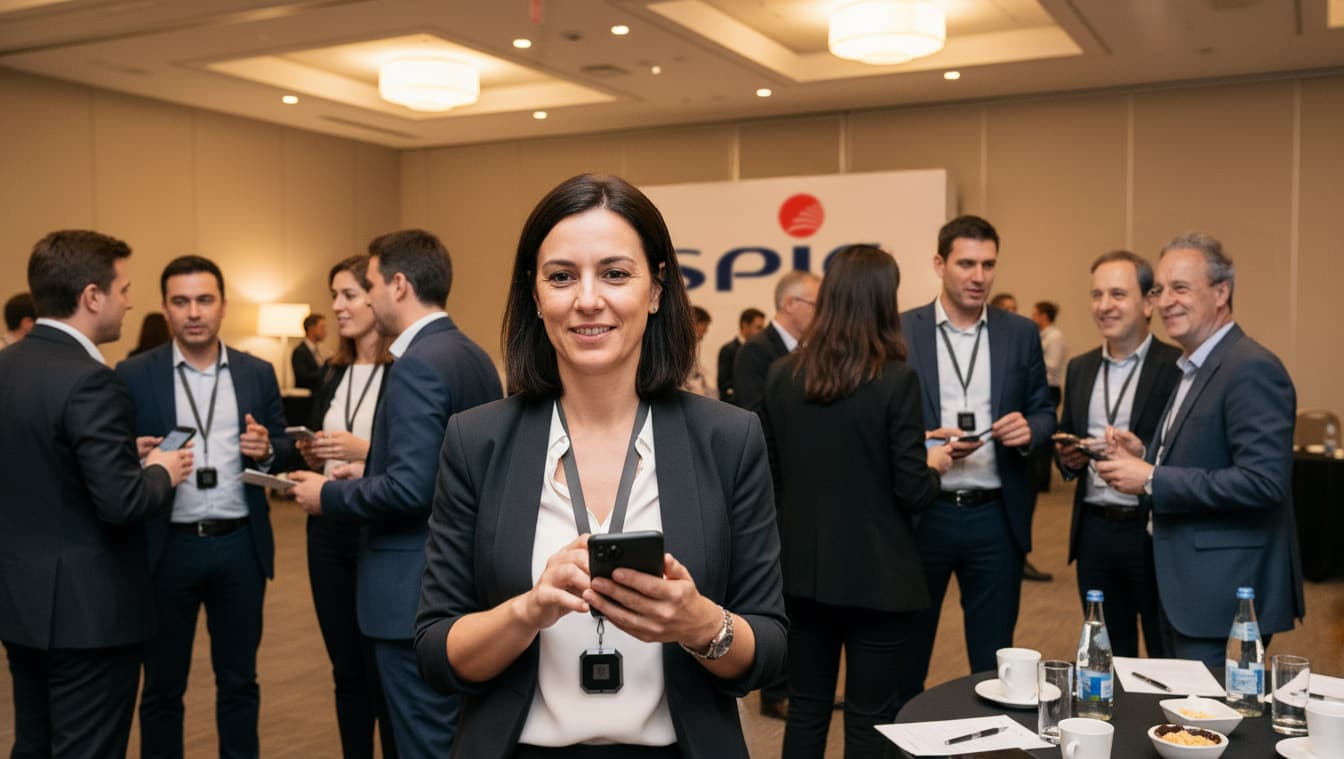
Optional, available to rent: Smart Ruby badges — Bluetooth tags worn on a lanyard and picked up by other attendees' phones, with nothing to install in the venue.
Get a quote